
Scanner DPI Explained, With Every CZUR Model's Number
For reading, sharing and searchable text, 200 to 300 dpi is plenty. For photos, maps and fine print you want to zoom into later, more helps. Every CZUR scanner clears the first bar. The ET MAX is the one built for the second.
What dpi means on a camera scanner
Dots per inch is how many pixels the scanner captures along each inch of the page. On a flatbed, a moving sensor reads the page line by line, and dpi is usually a setting. An overhead scanner like CZUR's works differently: a camera photographs the whole page at once. Its sensor has a fixed number of pixels, so the dpi depends on how big the page is.
Spread the same pixels over a bigger page and you get fewer per inch. That's why the Shine800A3 Pro is rated at about 340 dpi for an A4 page and about 245 dpi for a full A3 sheet. Same camera, bigger area.
Each model's figures
| Model | Sensor | dpi (CZUR figure) | Largest page |
|---|---|---|---|
| ET MAX | 38MP (7168 × 5376) | About 410 dpi by default | A3 flat, A4 books |
| Aura Pro | 14MP (4320 × 3240) | Not given | Material smaller than A3 |
| Shine800A3 Pro | 8MP (3280 × 2460) | About 340 at A4, about 245 at A3 | A3 |
| Lens800 Pro | 8MP | About 270 | A4 |
CZUR also notes, for the ET MAX, that the effective dpi on a full A3 sheet is lower than the default figure suggests for smaller pages. The same logic applies to every camera scanner.
How much do you need?
| Job | What works |
|---|---|
| Bills, letters, forms | 200 to 300 dpi; any CZUR model |
| Searchable PDF and Word export | 200 to 300 dpi; text recognition reads cleanly in this range |
| Books for reading on a tablet | Any of the book scanners |
| Family photos, postcards | The more the better; ET MAX |
| Maps, drawings, fine print you'll zoom into | ET MAX, or scan large sheets in sections |
| A3 drawings for reference | Shine800A3 Pro at about 245 dpi is fine for viewing |
Things that matter as much as dpi
Focus. The Shine800A3 Pro has autofocus because its height changes. The Lens800 Pro has fixed focus, which is fine for flat pages but less so for anything with depth.
Lighting. Glare wipes out detail no matter how many pixels you have. The ET MAX has side lights for glossy paper, and the Shine has a dimmable top light.
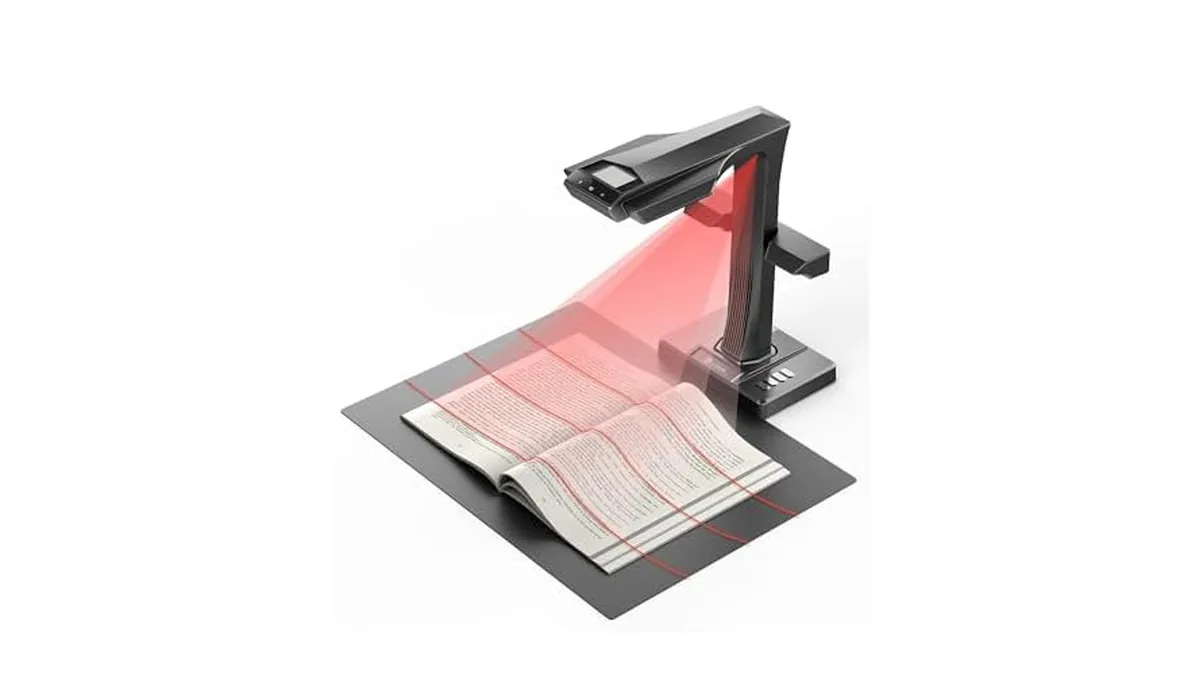
Flattening. On a bound book, a curved page loses sharpness toward the spine. The ET MAX and Aura Pro use three laser lines to read the curve and flatten it in software. The flat-page models don't.
Picking a model
If text is your goal, choose by page size and whether you scan books. If you're archiving images, choose the ET MAX. The full lineup is in Scanners, and the CZUR scanner guide goes through the other buying questions.