
CZUR OCR Languages: What's Supported, the Exceptions, and Getting Clean Text
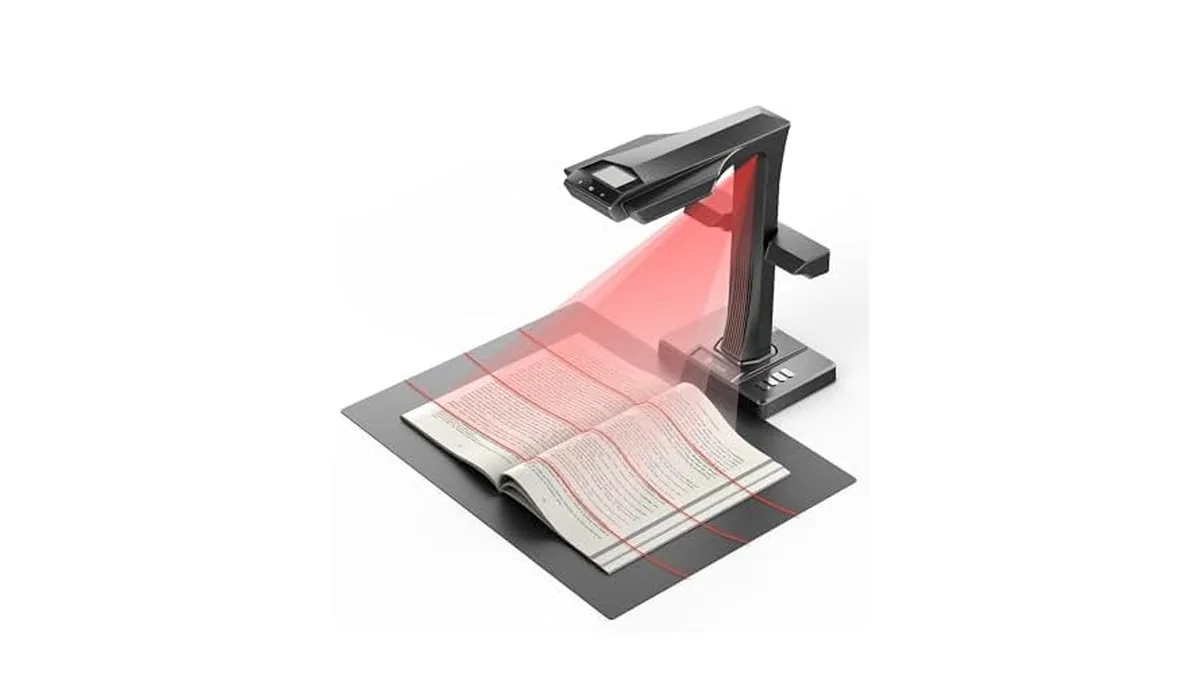
Every CZUR scanner in our range runs text recognition (OCR) in CZUR's software, so a page photo can become a searchable PDF, a Word document or an Excel sheet. CZUR quotes its language count as "180+" on most pages, but the exceptions in the fine print matter more than the headline number. If you scan Thai, Hebrew or Arabic, read this before choosing a model.
OCR by model
| Scanner | Languages CZUR states | Not supported | OCR exports |
|---|---|---|---|
| ET MAX | 180+ | Thai and Hebrew; Arabic only under Windows | Word, Excel, searchable PDF |
| Aura Pro | 180+ | Thai, Hebrew and Arabic | Searchable PDF, Word, Excel |
| Shine800A3 Pro | 180+ | Thai, Hebrew and Arabic | Searchable PDF, Word, Excel |
| Lens800 Pro | 180+ | Thai, Hebrew and Arabic | Word, Excel, PDF, editable PDF |
CZUR's own pages give other figures too: 185 and 190 on its ET scanner pages, 186 on the Shine Pro page, and 185 on the Lens Pro page. "180+" is the figure CZUR repeats on every model, so it's the safe one to plan around.
Questions people ask
Which languages won't CZUR recognize?
On the Aura Pro, Shine800A3 Pro and Lens800 Pro, CZUR says Thai, Hebrew and Arabic aren't currently supported. On the ET MAX, the exclusions are Thai and Hebrew, with a partial exception for Arabic (below). The word "currently" suggests the list can change, and CZUR invites anyone who needs the complete language list to contact it.
Can any CZUR scanner read Arabic?
Yes, with conditions. CZUR says Arabic OCR works only on ET Series scanners, which includes the ET MAX, and only on Windows. On a Mac or under Linux, Arabic text won't be recognized even on an ET scanner. If Arabic documents are a big part of your work, the ET MAX on a Windows PC is the only combination CZUR supports.
What powers the recognition?
On its ET scanner pages, CZUR says the OCR is built on ABBYY technology and is included free for life with the software. CZUR doesn't name an engine for the Aura Pro, Shine or Lens on the pages we checked.
What can I export?
The searchable formats are the ones OCR produces: searchable PDF, Word and Excel. CZUR also lists TIFF among export formats. On the Aura Pro, it notes that TIFF files are converted from the scanned JPG images, so a TIFF there is an image, not recognized text.
How do I get cleaner text out of a scan?
OCR can only read what the camera captured clearly. A few CZUR features help:
- Flatten curved pages. The ET MAX and Aura Pro use CZUR's curve flattening for book spreads, so lines near the spine come out straight. The Shine800A3 Pro has no curve flattening, so keep it for flat sheets.
- Cut the glare. The Aura Pro adds two side lights to avoid reflections on glossy paper. The ET series also has a side light.
- Let the software straighten the page. CZUR lists auto-cropping and tilt correction in its software, so a page placed slightly crooked still comes out square.
Does the scanner's interface language matter?
They're two different lists. CZUR's download guide names 12 interface languages for the software's menus, while OCR covers 180+ languages for the pages themselves.
Which model for which job
For bound books and the widest language coverage, the ET MAX is the one to look at. For portable book scanning, see the Aura Pro. For flat paper up to A3, the Shine800A3 Pro fits. Our guide on how to choose a CZUR scanner walks through the rest of the range.